|
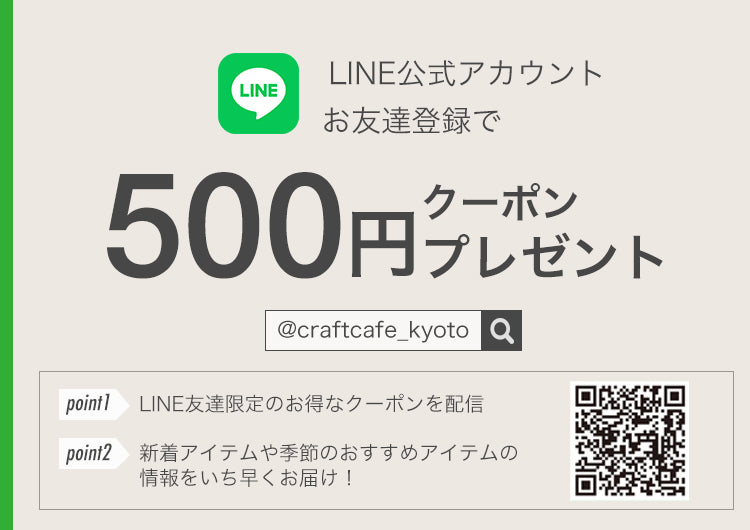
Craft Cafe distributes discount coupons through its official LINE account and email newsletter. If you enter the coupon code listed on the official LINE account or in the email newsletter on the contact information and delivery address input screen in the shopping cart, the coupon will be applied and the price will be adjusted. You can sign up for our email newsletter by clicking the "Sign up for email newsletter" link at the bottom of each page. |
| Enter the coupon code on your smartphone |
"Your Cart" checkout screen

Tap the "Proceed to Checkout" button on the "Your Cart" screen to proceed to the next screen. Tap "Order Summary" at the top of the screen to display the coupon code input field.
Enter the coupon code here and tap the "Apply" button to the right of the coupon code entry field to apply the coupon.
| Enter the coupon code on your computer |
Click Add to Cart on the product page

↓
Click Proceed to Checkout

↓
Enter the coupon code to apply the discount.

Click the "Proceed to Checkout" button on the "Your Cart" screen, enter the code in the "Coupon Code" field that appears on the screen, and tap the "Apply" button on the right to apply the coupon.